

Start
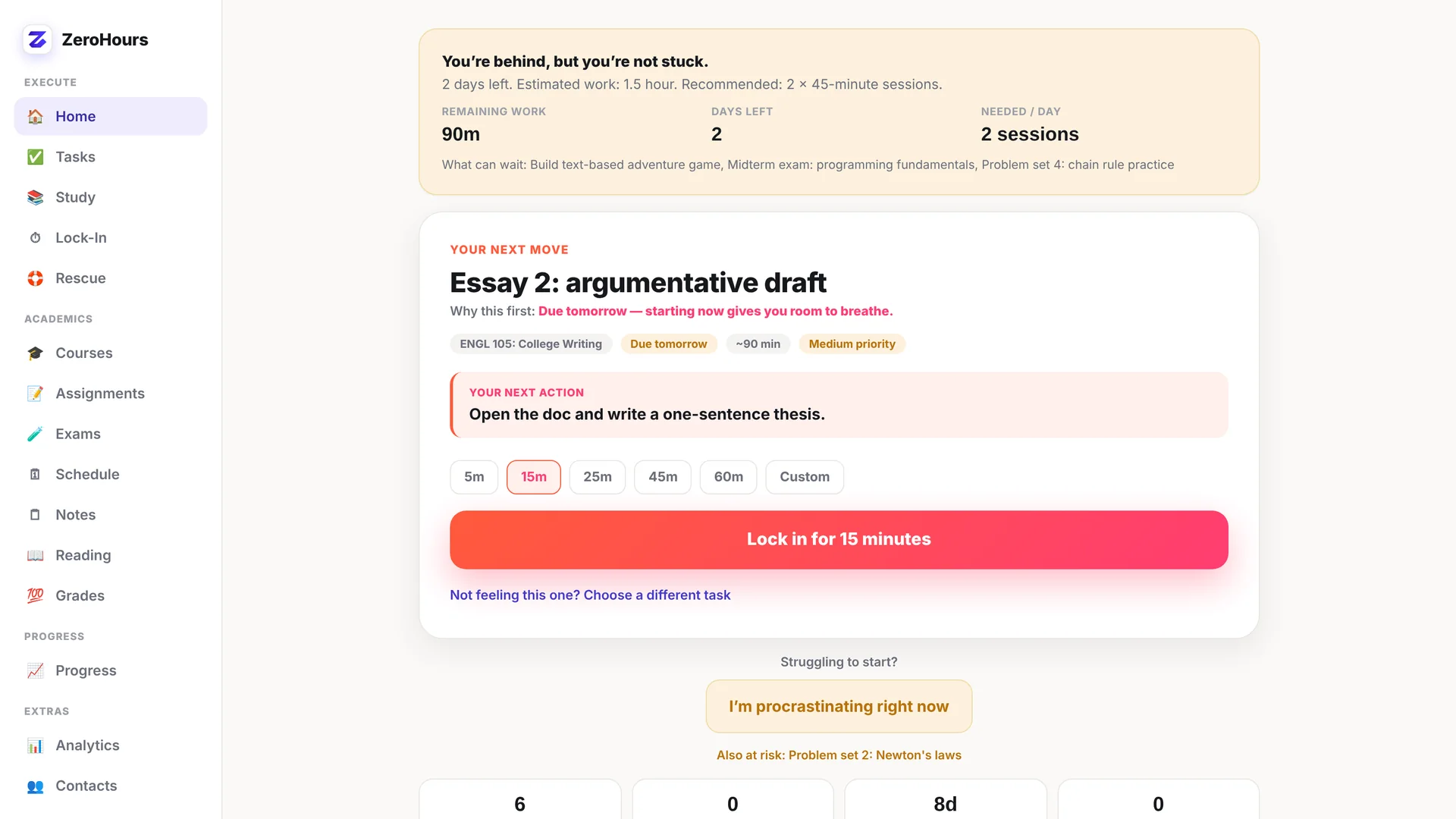
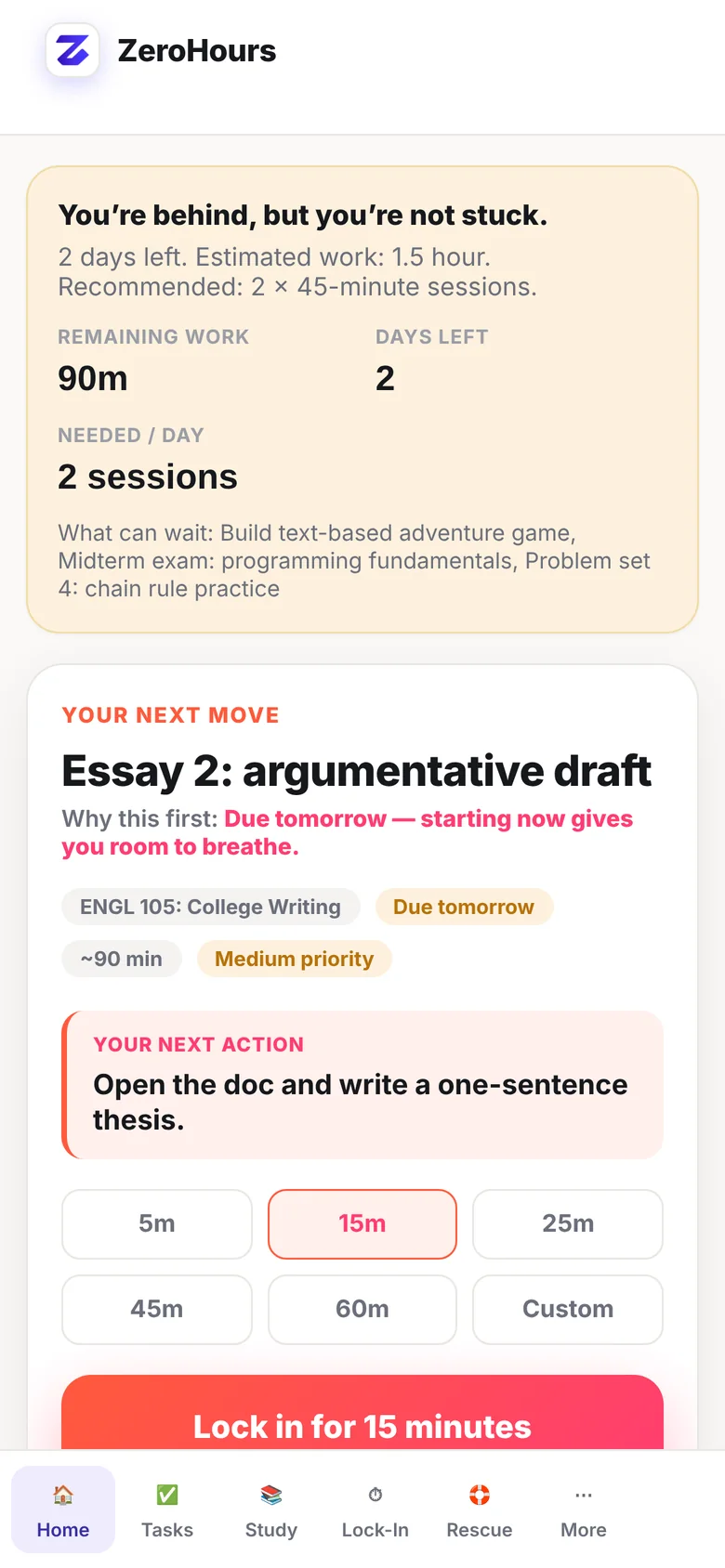
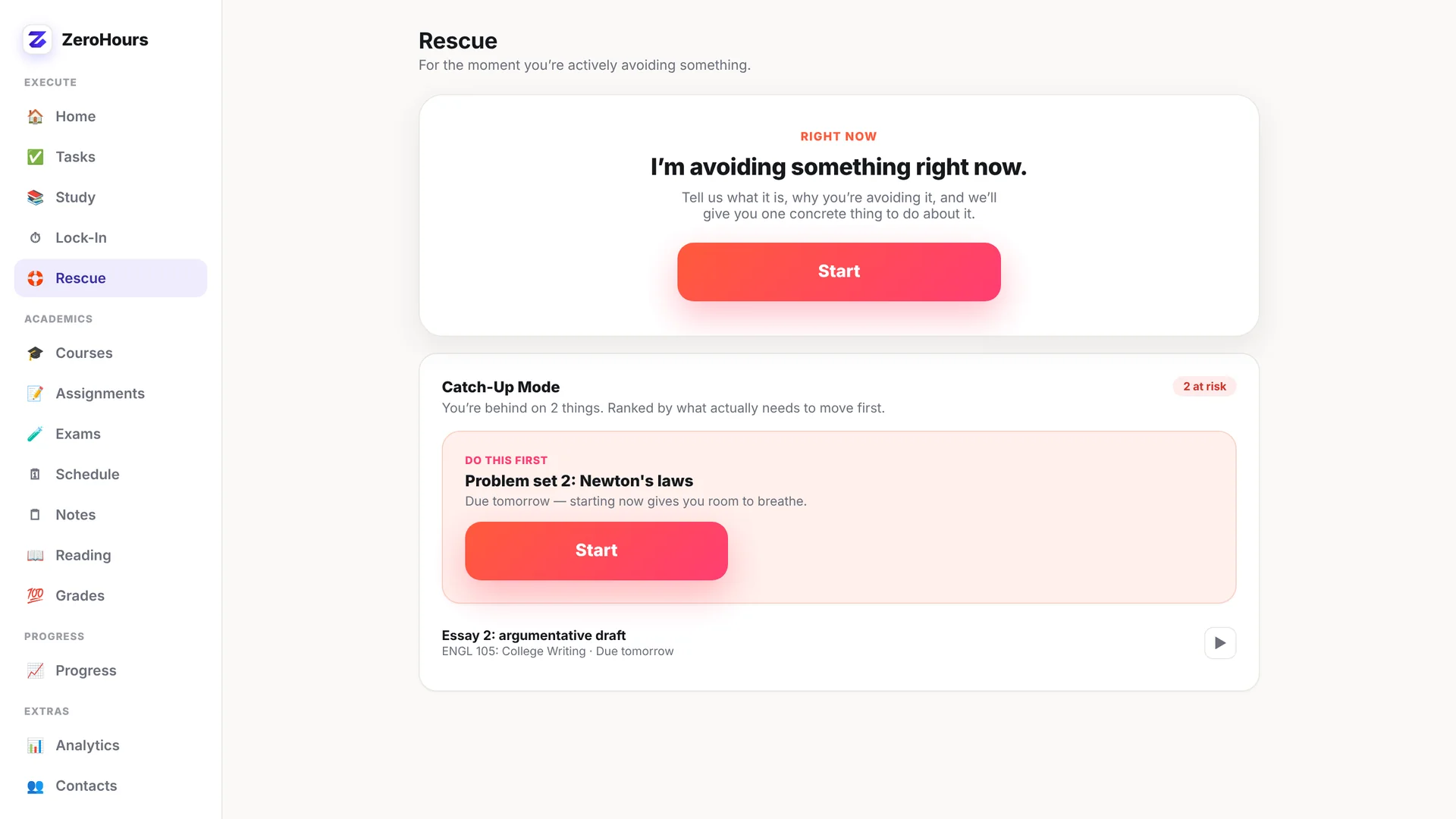
When starting feels impossible, reduce the task to something you can actually begin.
- Next Action
- 5-Minute Rescue
- I'm Stuck
- Emergency Procrastination Mode
ZeroHours works on mobile and desktop — open it in your browser.

The anti-procrastination system for students
ZeroHours helps you break through procrastination, figure out what to do next, and actually get moving.
One-time purchase • No subscription • Works in your browser, no install needed
The problem
Another list isn't the answer. You already know the assignment exists. The hard part is crossing the gap between “I should do this” and “I'm actually doing it.”
The ZeroHours method
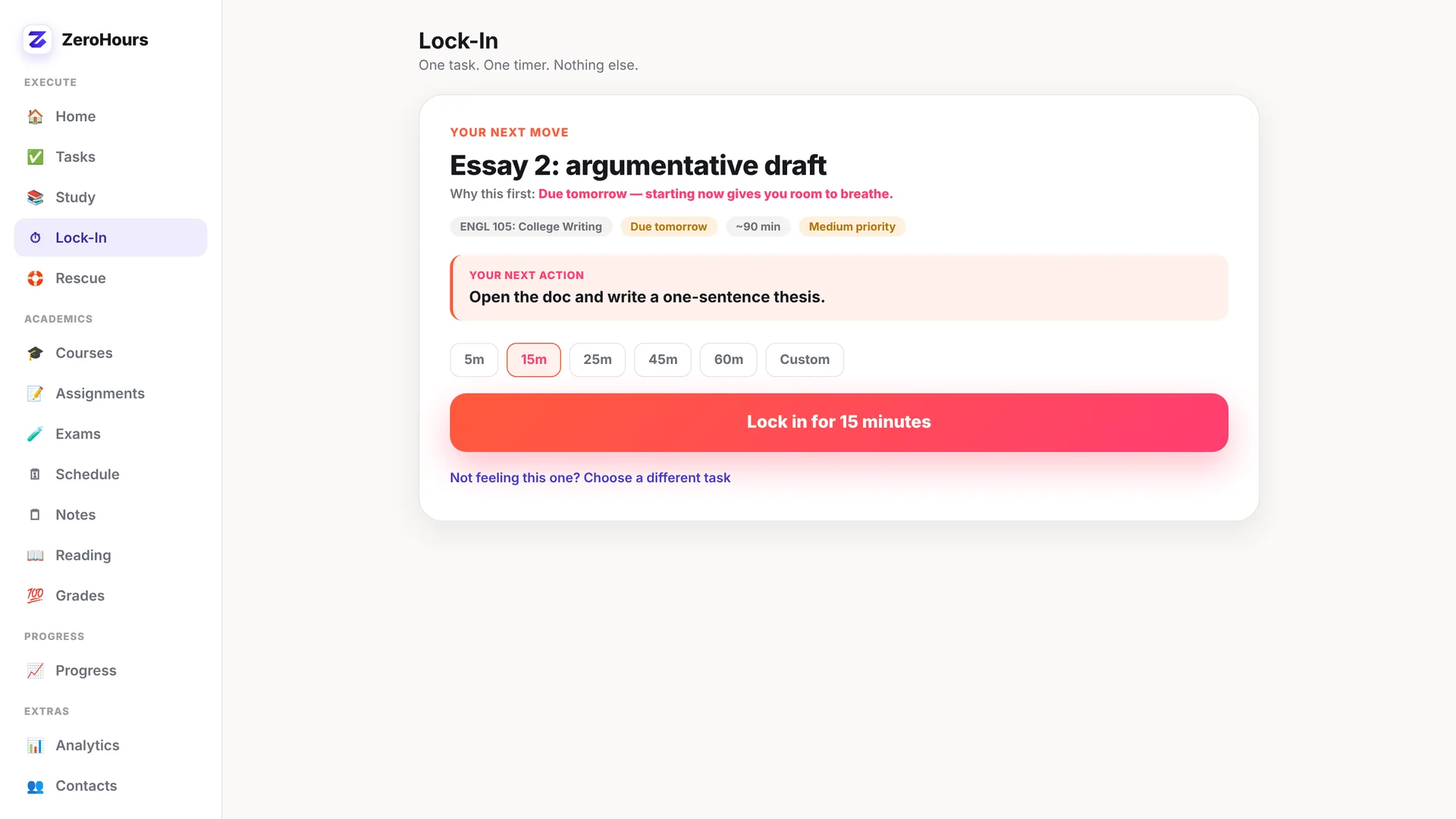
Instead of dropping another giant dashboard in front of you, ZeroHours meets procrastination where it happens.
How it works
History essay
Too overwhelming. Don't know where to start.
Open the document and write the thesis.
5-Minute Rescue → Lock-In Mode → continue.
See the system
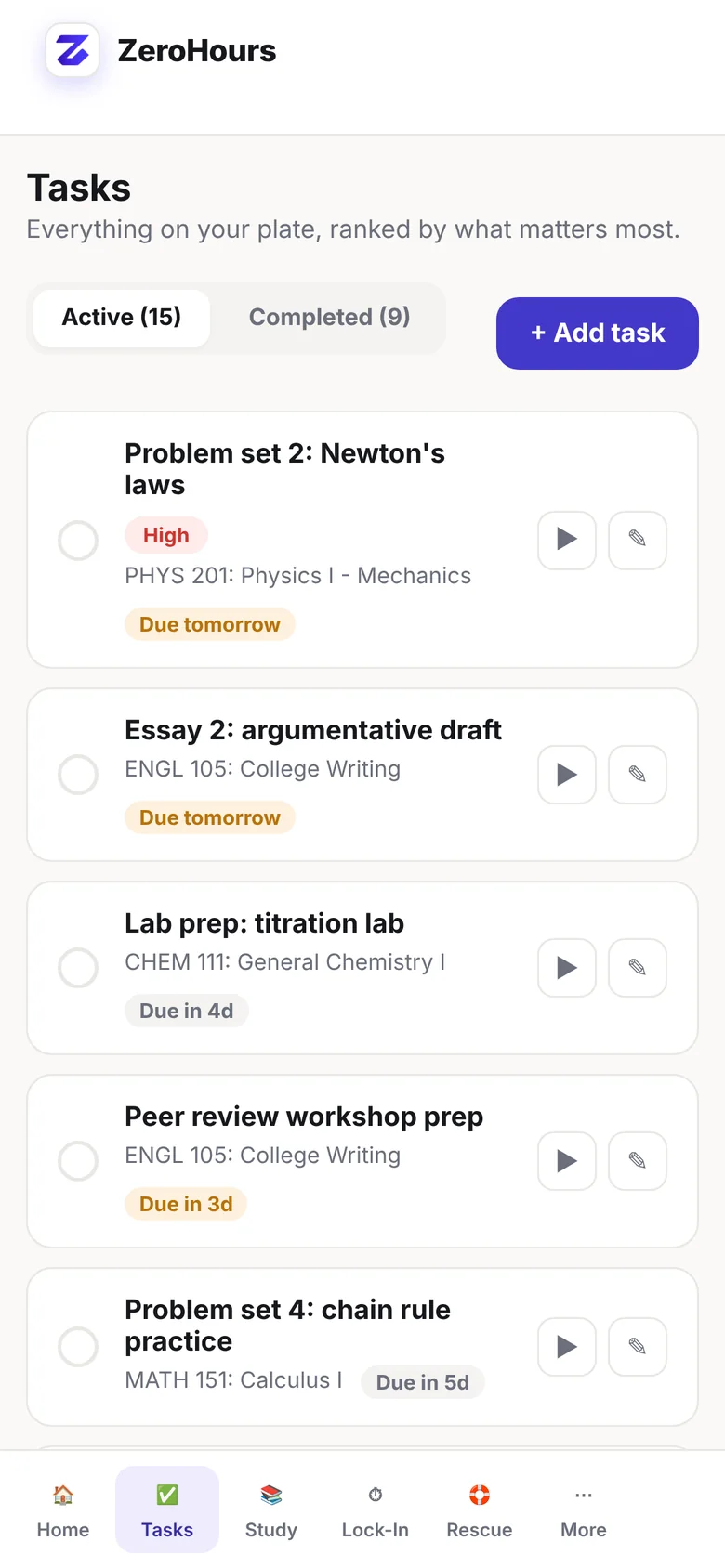
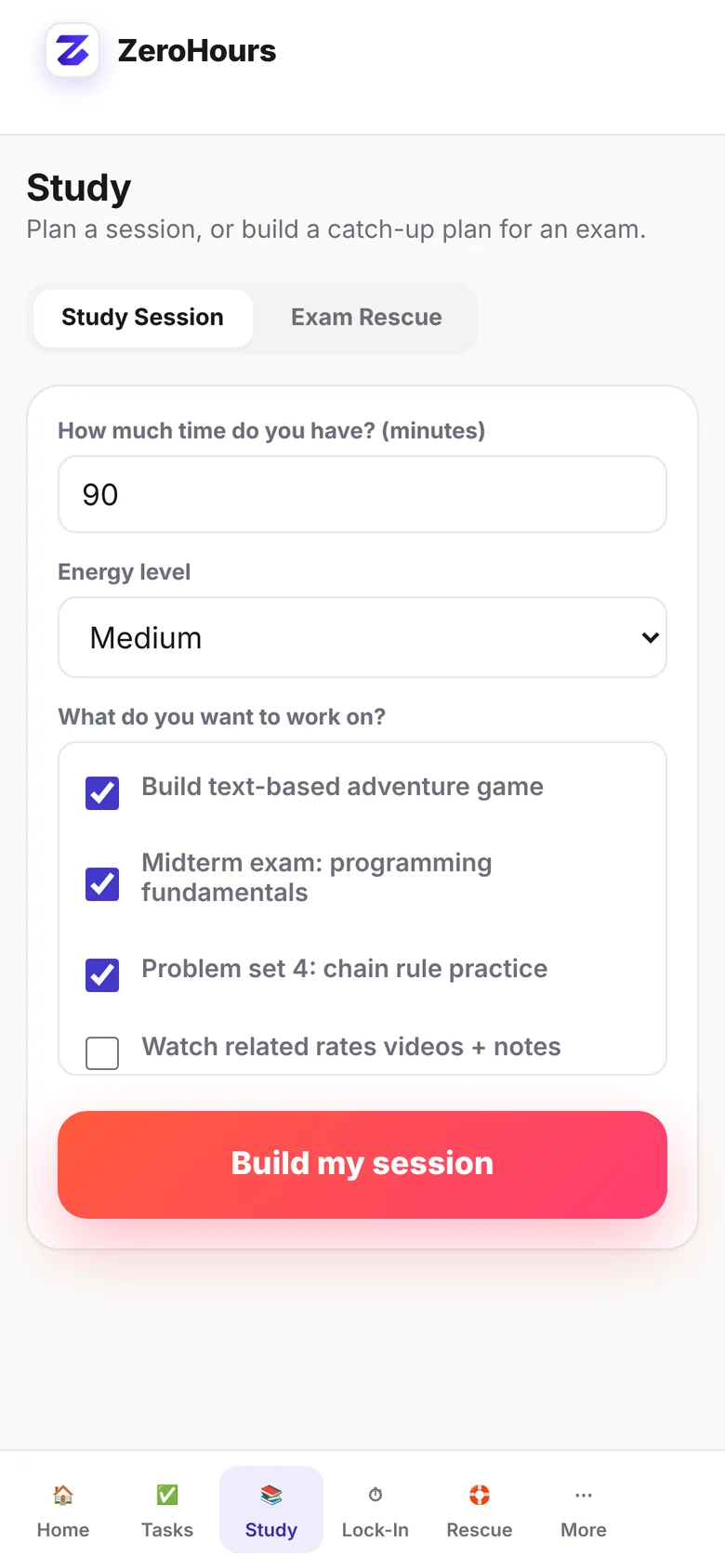
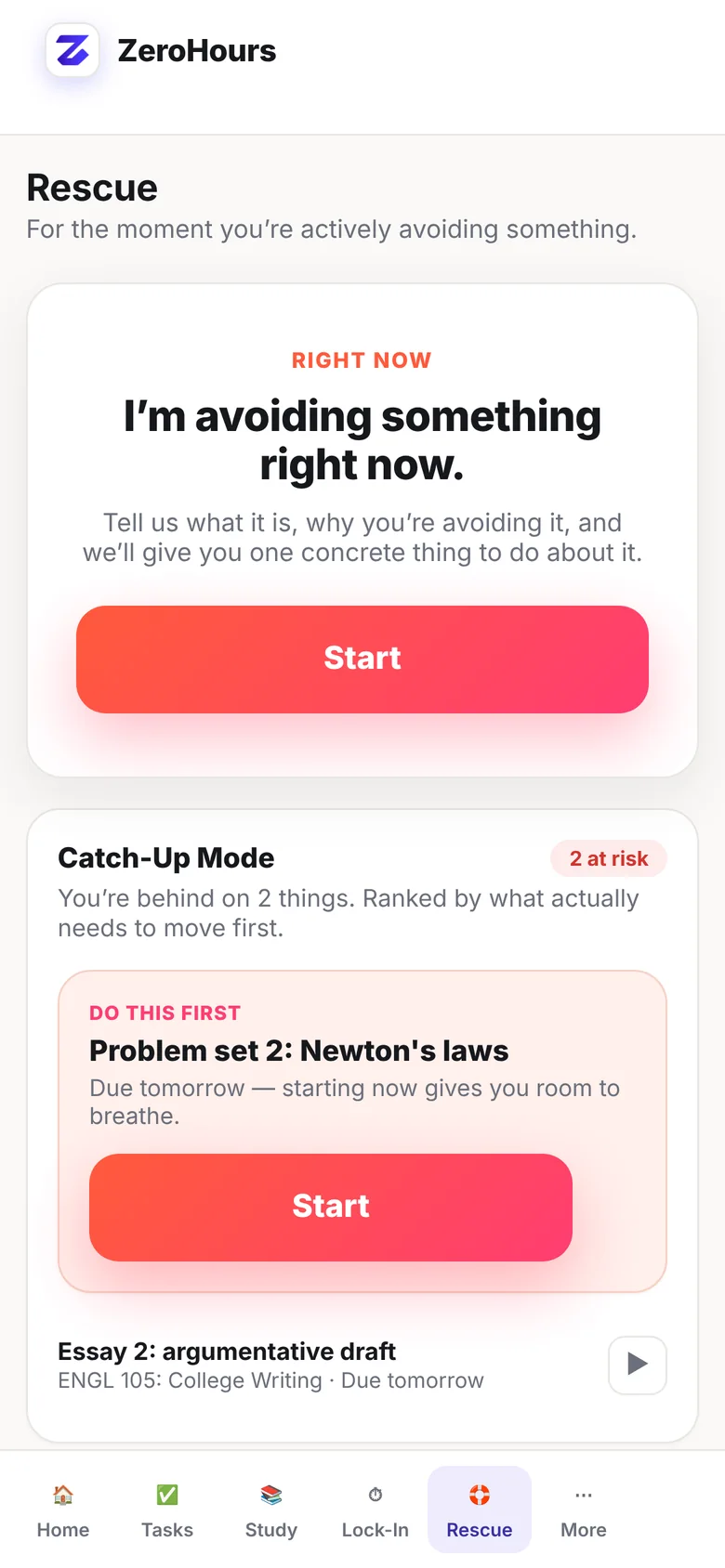
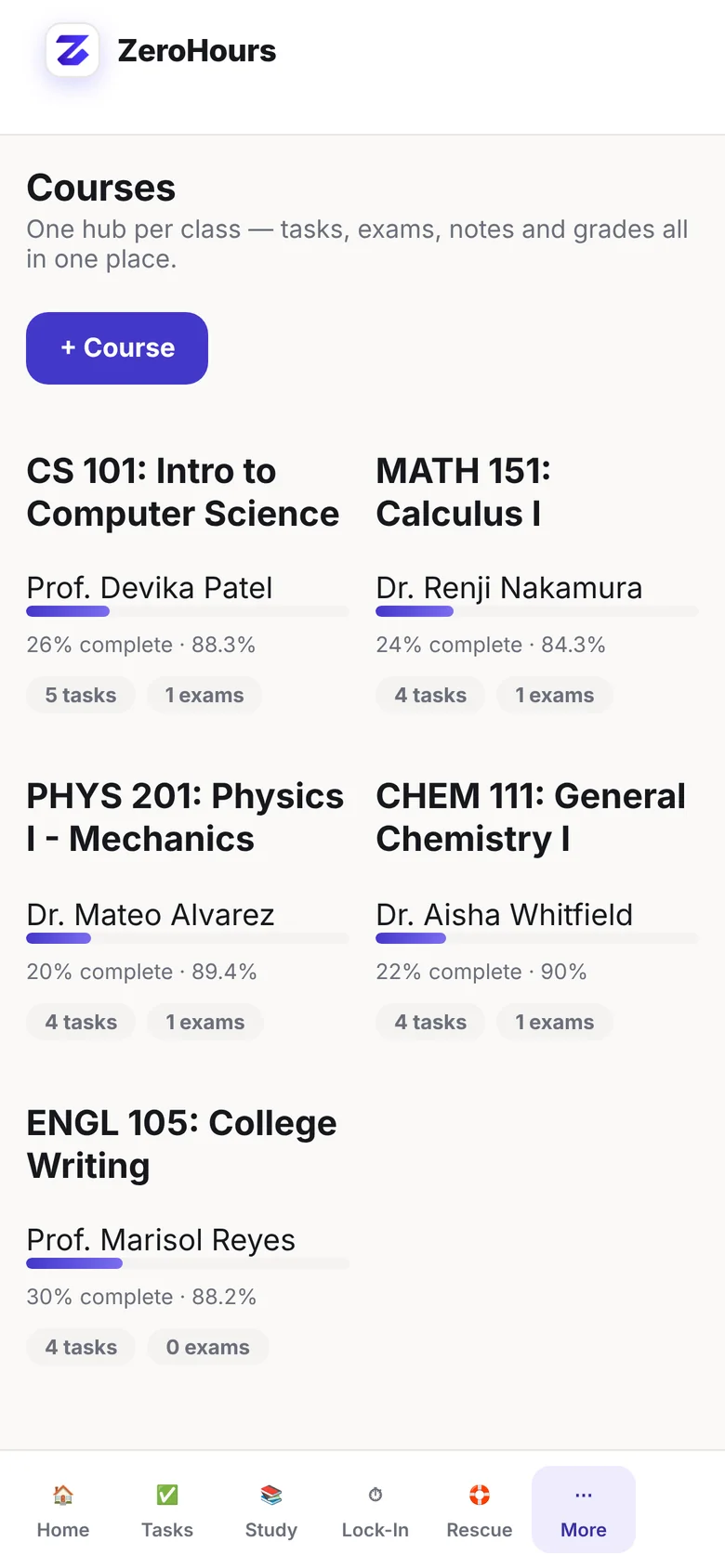
A closer look at ZeroHours on your phone.
Built for execution
When starting feels impossible, reduce the task to something you can actually begin.
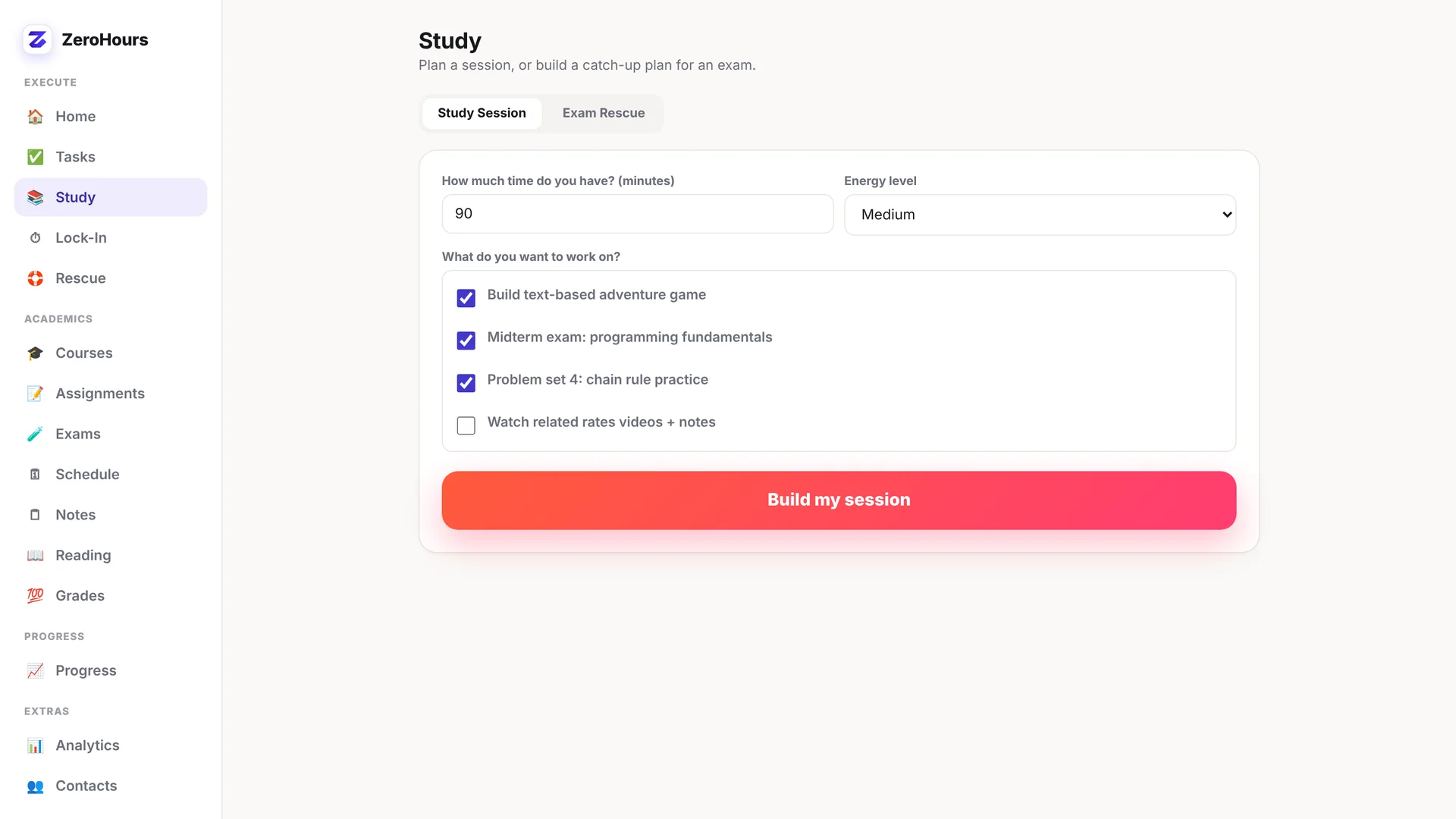
Once you start, keep moving without losing the thread.
Falling behind doesn't have to become a spiral.
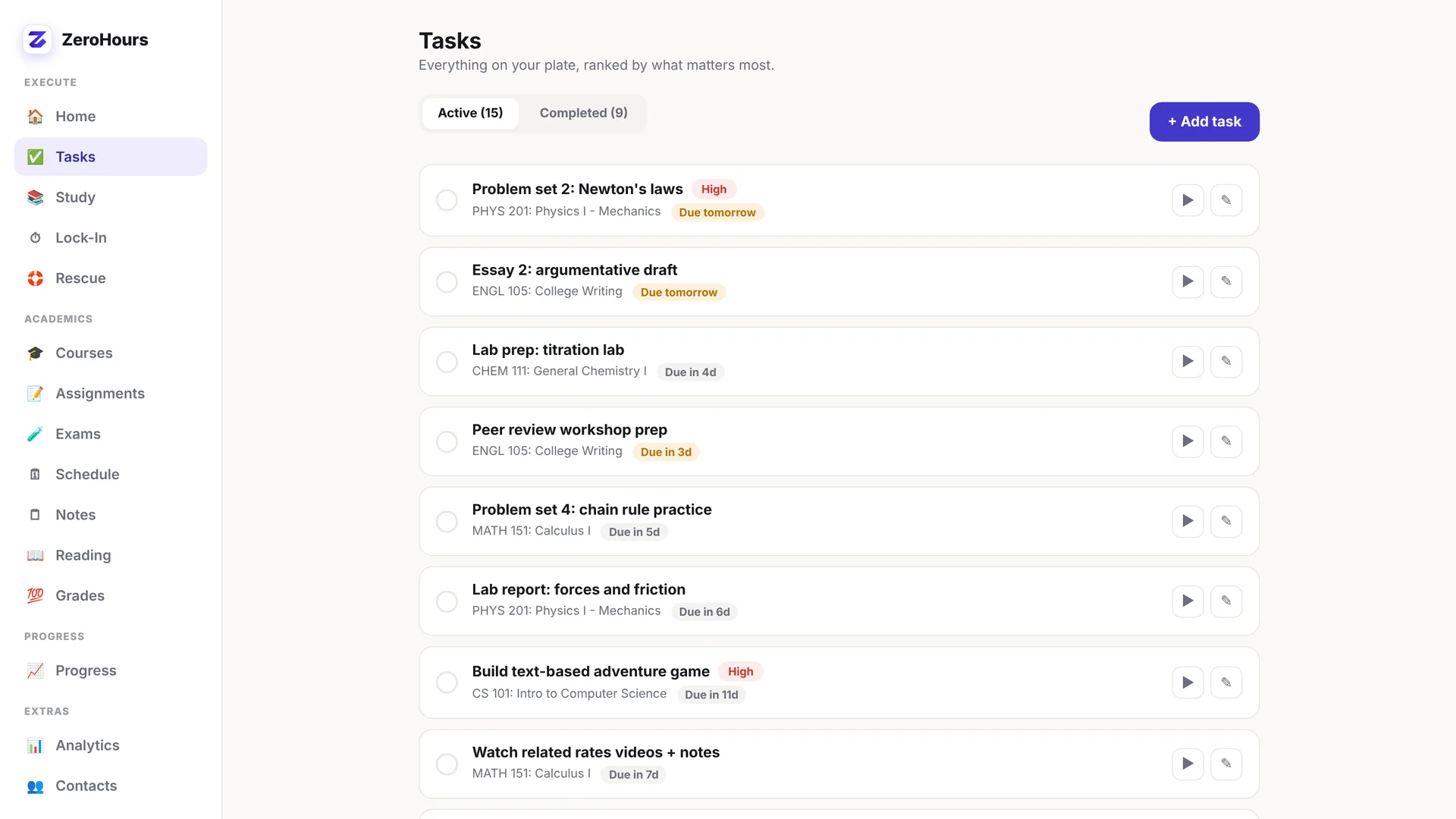
Keep your workload organized in the same system you use to act on it.
Notice how you work and the patterns that keep getting in the way.
Academic workspace
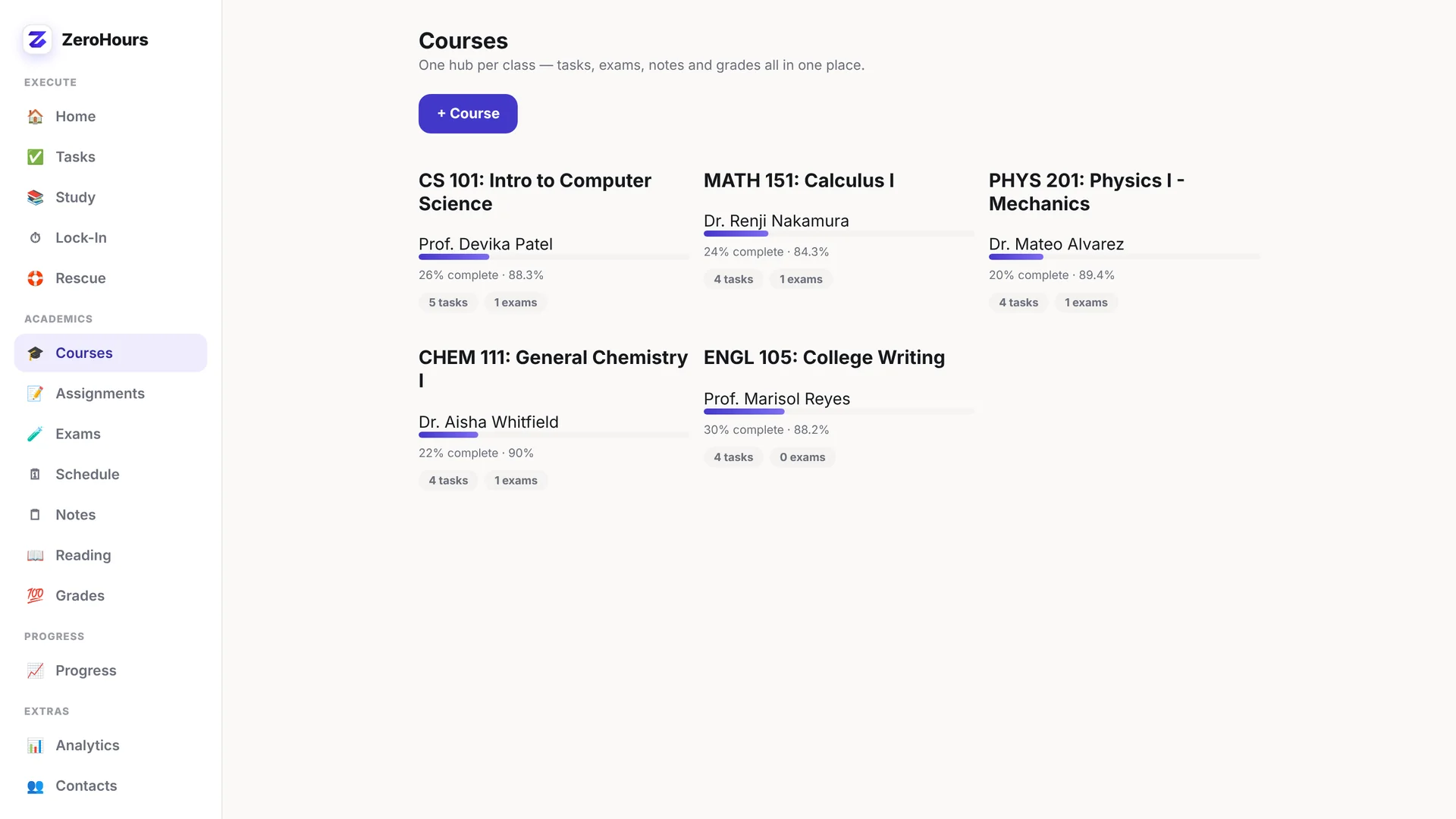
Academic organization connected directly to getting the work done—not another place to collect tasks and avoid them.
The shift
Beyond reminders
ZeroHours doesn't just remind you that the work exists. It helps you move through the part that keeps you from starting.
Who it's for
If that sounds familiar, ZeroHours was built around that exact moment.
Not ready for the full system?
The guide teaches you how to make starting easier. ZeroHours gives you the tools to actually do it.
Simple pricing
Works on mobile and desktop in your browser. No install needed.
You'll unlock the app with the email you use at checkout.
One-time purchase. No monthly subscription.
Checkout couldn't open. Please try again.
Questions, answered
An anti-procrastination and academic execution system that helps students identify what is blocking them, choose a smaller next action, and begin.
Students who know what they need to do but regularly feel stuck, overwhelmed, distracted, or behind.
Not simply. It includes academic organization, but connects that workload directly to tools for starting and continuing the work.
It guides you from the reason you are avoiding a task to one useful next action, a five-minute start, and focused continuation.
No. ZeroHours is a one-time purchase — $19.99, down from $29.99.
Open app.zerohours.store and enter the email you used at checkout. You only do it once per device.
Yes, on up to 3 devices with the same purchase email.
Just enter your purchase email again. If it says you've hit the device limit, send us a message on the support page and we'll reset it.
ZeroHours uses local-first data storage, keeping your working data on your device. Import and export tools help you manage your own copy.
No. You unlock ZeroHours with the email you used at checkout — no account or password.
Yes. Courses, assignments, exams, notes, reading, schedules, and grades can be organized across classes.
Catch-Up Mode, Deadline Rescue, and Exam Rescue are designed to help you regain clarity and choose what to do next.
Your next move
ZeroHours helps you figure out what to do next, make the first step smaller, and get moving.